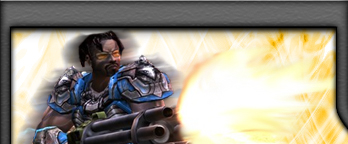
I already edited this graphic out of a screenshot, I used the zoom tool for precise editing with the eraser. Ok, well lets start the tutorial. I have already got the photoshop file for you, you just got to apply the steps now, download the PSD file here: Download Now.
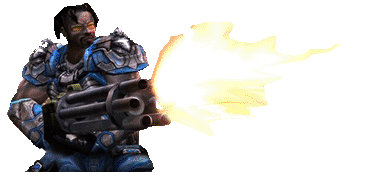
Ok, done downloading, now lets have some fun.
1) Duplicate the Dude layer (right click "Dude" layer and select duplicate layer).
2) Duplicate the Dude copy layer. Your Layers Window should look like this:
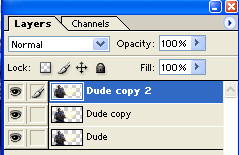
3) Now add motion blur to the "Dude" layer - Filter>Blur>Motion Blur and use these settings:
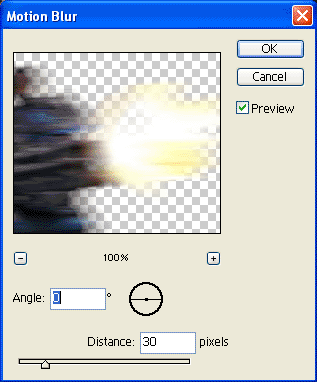
4) Now lets add the same Motion blur effect to the "Dude copy" layer aswell, use the same settings you used on the "Dude" layer.
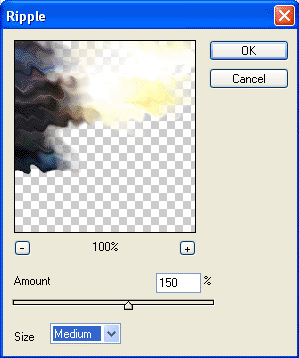
5) Now still on the "Dude copy" layer I want you to go to Filter>Distort>Ripple and use the follow settings:
Your graphic is now finished. Told ya it was a easy tutorial. Your dude should look something like this:
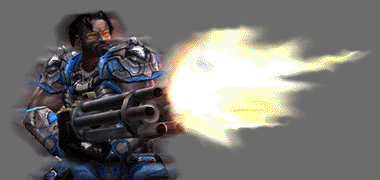
This is the same effect used in the header for a Unreal Tournament Template I designed: