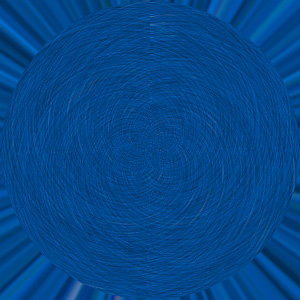
1.) Create a image (300 x 300) White Background.
2.) Use the Paint Bucket Tool with your favorite color.
3.) Use these filters:
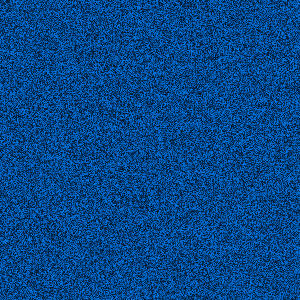
Filter -> Artistic -> Film Grain:
Grain: 15
Highlight Area: 12
Intensity: 10
Filter -> Artistic -> Colored Pencil
Width Pencil: 4
Stroke Pressure: 8
Paper Brigthness

To Final Filter -> Distort -> Polar Coordinates
And Select Rectangular To Polar.