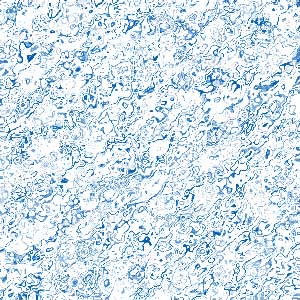
These effect is very simple and Nice to water Designs, In addition you learn more effects with this tutorial... Have FUN!!:
1.) Create image (obvius?)... any width x height
2.) Use the  Pain Bucket Tool, with your favorite color (not is neccesary BLUE)...
3.) Aply these effects / filters:
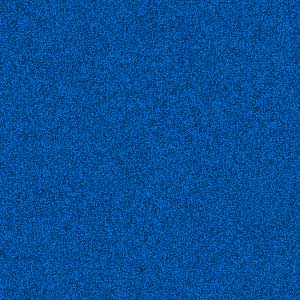
Filter -> Artistic -> Film Grain:
Grain: 10
Highlight Area: 5
Intensity: 10
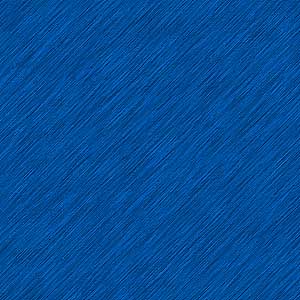
Filter -> Brush Strokes -> Angled Strokes:
Direction Balance: 50
Stroke Length: 15
Sharpness: 3
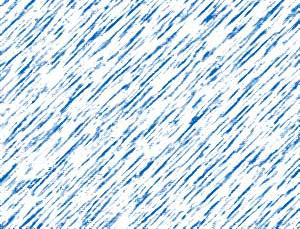
Filters -> Sketch -> Photocopy
It applies as you want
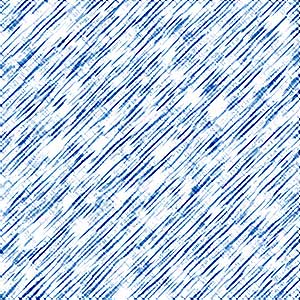
My Final Effect:
And, if you want you can apply anothers effects... View my effects:
And...