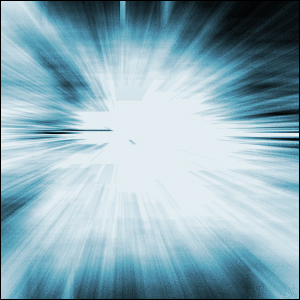
Here I will go over the steps of one of the easiest background effects ever conceived by man: Energy Blast. It looks good when you use it in a subtle fashion in a header/banner, hence the use for background. Step-by-step instructions proceed...
1) Open up a new image, about 300x300, create a new layers and go to Filter>Render>Clouds. Make sure your colors are on default by hitting the D key.
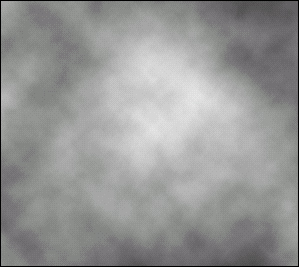
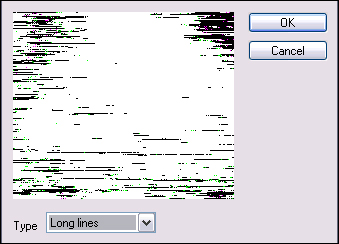
2) Now, go to Filter>Pixelate>Mezzotint and use the following settings:
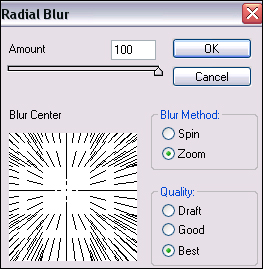
3) Next step, we are going to apply a radial blur. So go to Filter>Blur>Radial and use these settings:
4) Black and white looks a bit dry, eh? Let's apply some color. Hit Ctrl+U or go to Image>Adjustments>Hue and Saturation. Check the colorize option and set it to whatever color you like.
Here is what I created: