1.) Open a new White file of 400x400 pixels
2.) set your foreground color to black and your background color to #06FF00
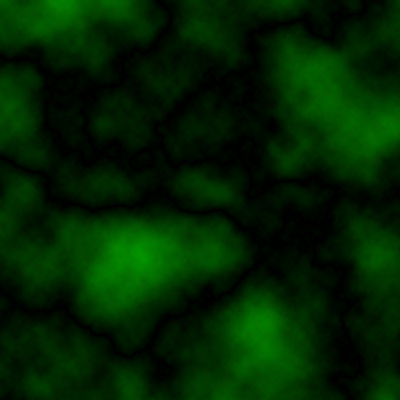
3.) Now do Filter*render*Clouds And then do Filter*render*difference Clouds
You'll get some thing like this:
4.) Now do Filter*Blur*Radial blur with these settings:
Amount: 20%Blur Method: Zoom
Quality: best
5.) Now Do Filter*pixalate*Mosaic with a Cell Size of 5 pixels
6.) Now do Filter*Stylize*Glowing Edges with these settings:
Edge Width: 6Edge Brightness: 8
Smoothness: 5
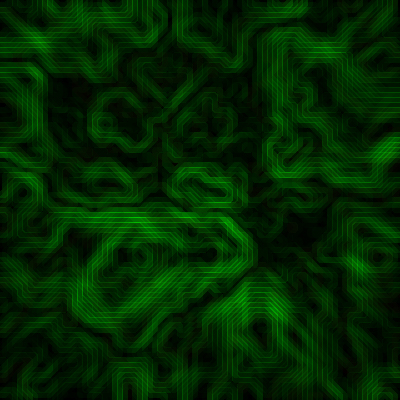
When you'll did that you'll have something like this.
You'll see it looks like some kind of Micro Chip.
When you'll did that you'll allways can mix up effects to have some kind of trendy looking thing.
I did this: