1.) Make a new file 400x250 px
2.) Open 2 pictures and put them on the empty file THEY must overlap each other
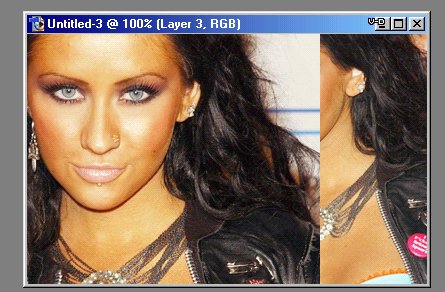
3.) Grab the eraser tool and put the diameter on 300 and erase that overlapping part for a bit
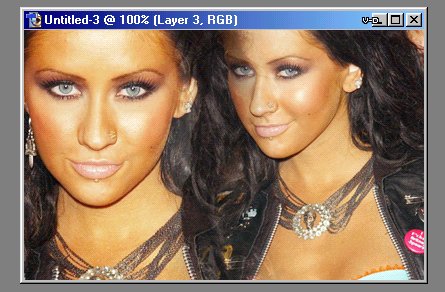
4.) then just add some effects and you have your blend (like this)