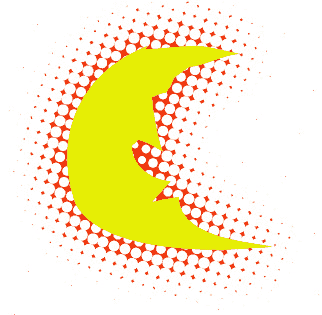
Here you will be taught how to make those techno dots around a certain object/photo. This is more advanced but will teach u some channel basics. 1) I presume u already have a object, if not create a new document with a white background. Make a new layer and draw a cirlce or a shape.
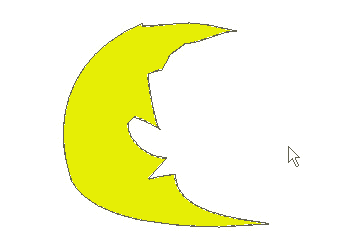
2) Select the shape. CTRL click on the layer that you have the
shape.
Then you will need to go to the channel tab.
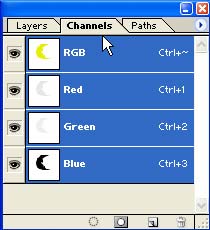
3) Now create a new alpha channel. (see pic below)
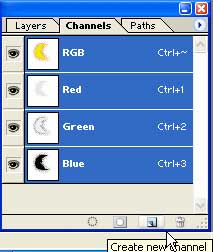
Fill the new channel using the paint bucket tool white.
(the only colors possible are black or white).
you should have this black and white version of your shape.
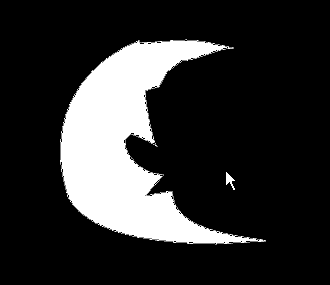
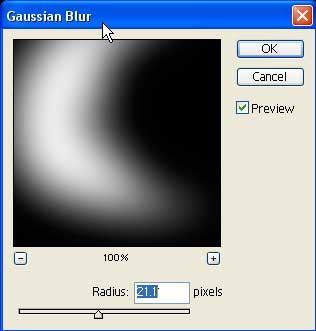
4) Now deselect your shape (CTRL D). Ok now go to FILTER -> BLUR -> GAUSSIAN BLUR. set it to your liking the more blurry edges the more length of the dots from the object.
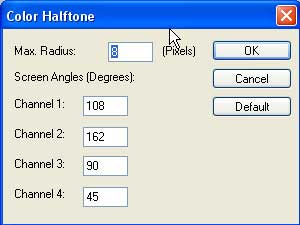
5) Now go to FILTER -> PIXELATE -> COLOR HALFTONE.
The bigger u make the pixel max radius the bigger the dots, I set it to 8.
Heres what you should have.
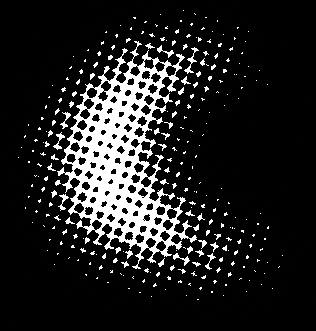
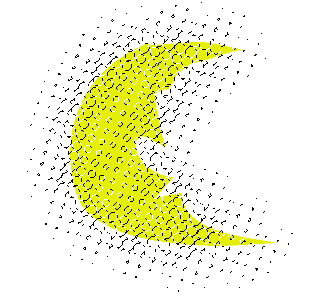
8) VIOLA