1. Open Corel DRAW.
2. Draw the out line of the basic shape using Bazier Tool.
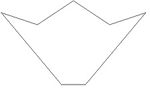
3. Edit the basic shape using Shape Tool with Node Edit Options.
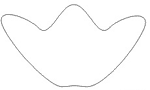
4. Create the offset shape inside the original shape using Interactive Contour Tool.
5. Fill it with Golden shade using Fountain Fill > Preset
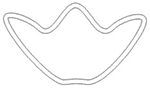
6. Make different shapes according to requirement.
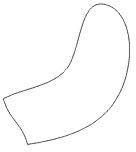
7. Use Shift + Pick Tool and Right click to get the smaller copies. You can try Interactive Contour Tool.
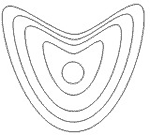
8. Try the combination of the shapes.
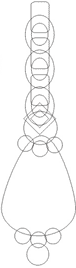
9. After filling the golden shade, change the direction of the fill by shifting the arrow using Interactive Fill Tool.
10. Place the shapes in a proper symmetry