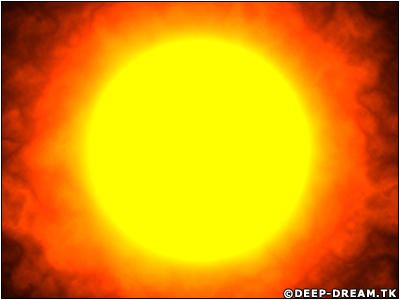
In this tutorial you will learn how to make a FIRE BALL/SUN.
Step 1
First of all, Create a new document (Ctrl+N), I used size 1024x768 pixels, in RGB color. And press OK the new document comes, press "D" to reset the foreground and background colors.Step 2
Now goto Filter->Render->Difference Clouds. And Press (Ctrl+F) 6 Times.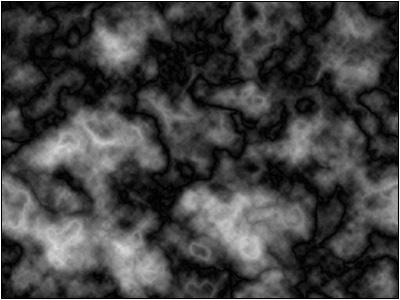
Step 3
Goto Filter->Render->Lens Flar and follow these settings.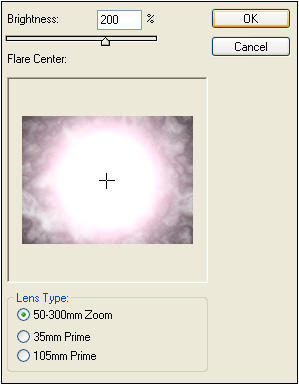
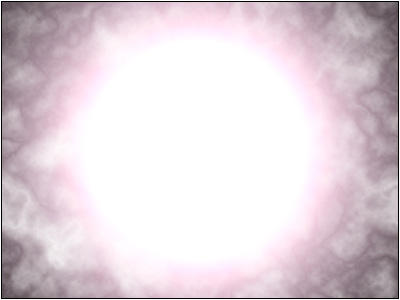
Step 4
Goto Filter->Render->Lightning Effects and follow these setting.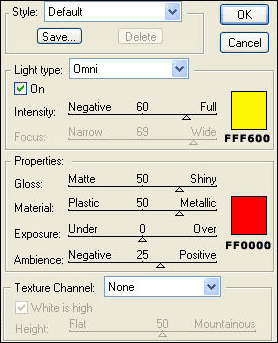 Click to enlarge |
Step 5
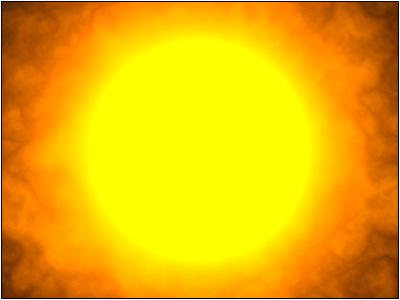
Now goto layer->Duplicate layer. And set the Blending Mode "Multiply".Result