
Well, this is a quick tutorial on how you can obtain a rusted engine, this will help in understanding how you can use the blending effects to create the look you are seeking for, I started with a photograph of an engine:
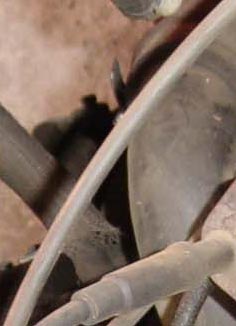
Add some noise (Filter > Noise > Add Noise...) choose the following settings : amount: 4%, distribution: Gaussian, check the monochromatic box
Time to apply some texture to the engine, what is better than the photo of a cracked wall ;), I used this texture :
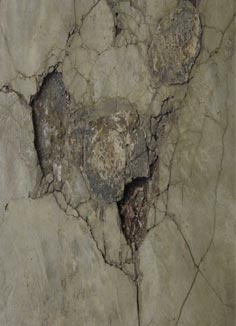
Resize to fit your engine's photograph, here too add some noise
Set the blending to 'color burn' (this is good in this case, in other cases it will be better to set it to hard light, soft light, overlay...)
You should have a result such as this photo below:
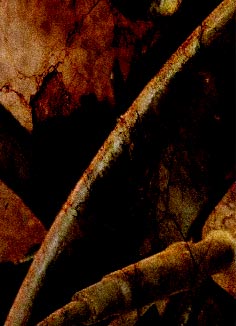
You can use the 'layer Mask' and the eraser (low opacity (<50%) to remove some parts that are not needed and to give more edges to your image
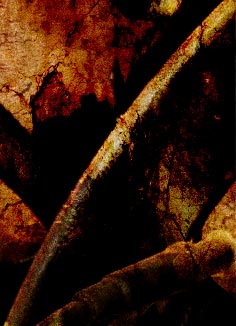
Adjust your photo colors (Hue/saturation)
You should finish with something grungy and rusted like this:
Enjoy trying to create such effects with your own photos ;).
