Create a glass content box for your website.
01. In the end, the glass content box will be transparent so you can have images beneath show through it.

02. Create a rectangle.

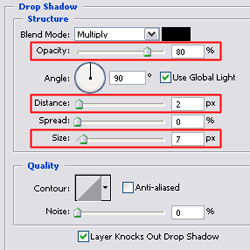
03. Open up the layer styles menu and use the following 'Drop Shadow' settings: Opacity 80%, Distance 2px, Size 7px. (Note: The layer style descriptions only highlight changes from the default values.)
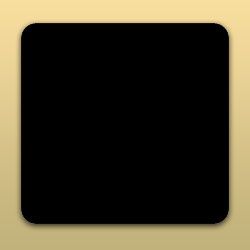
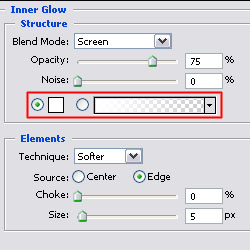
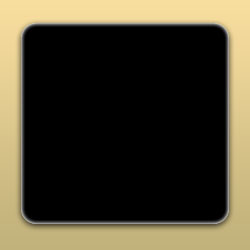
04. Apply 'Inner Glow'. Set the color to white (#FFFFFF).
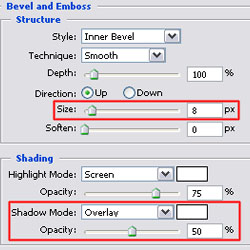
05. Use the following settings for Bevel and Emboss: Size 8px, Shadow Mode: Overlay White, Opacity 50%.
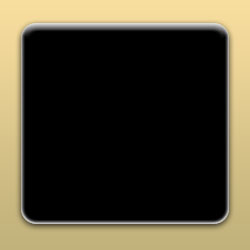
06. Now set the layer 'Fill' to 0%. This layer style can be applied to other shapes as well, not just this rectangle.