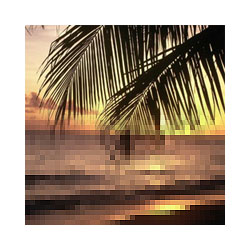
Give images this neat pixel gradient effect.
01. Take the image you will be applying the pixel gradient effect to.

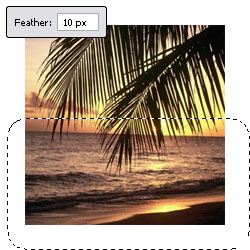
02. Take the rectangular marquee tool and set the 'Feather' to 10px. Select the part of the image that you want pixelated.
03. Go to Filter --> Pixelate --> Mosaic. Set the 'Cell Size' to 5px, or to another size of your liking.
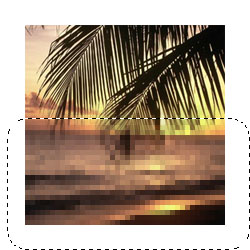
04. Go to Filter --> Sharpen --> Sharpen with the area still selected.
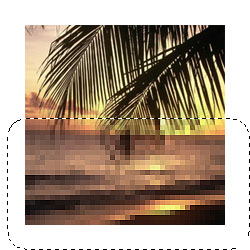
05. Deselect to view your final image.