Look through the microscope and tell me what you see.
Step 1.
Create a new image 300 x 300. Press Ctrl+D to set the colors to default.
Make the background white. Add a new layer to the project.
Step 2.
Select a soft round brush size 5-7. Select the new layer. Label it bacteria
Start off by drawing short uniform lines randomly on the page. Take care not to overlap the edges.
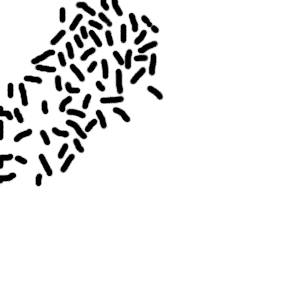
Step 3.
Make a copy of the layer bacteria. Make sure you have the copy selected, and add Filter ->
Blur -> Gaussian Blur of around 5.0. Press Ctrl+e to merge the 2 bacteria layers together.
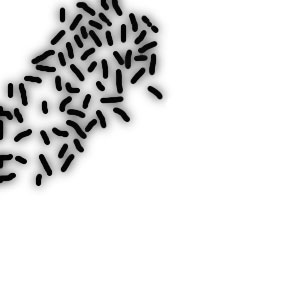
Step 4.
Make a duplicate of the bacteria layer again. Select the copy, and goto Filter -> Blur -> Motion.
Set the distance to 15px and direction should be horizontal.(angle of 0°) Set the copy layer to
overlay or lighten.
Press ctrl+e to merge the 2 bacteria layers together.
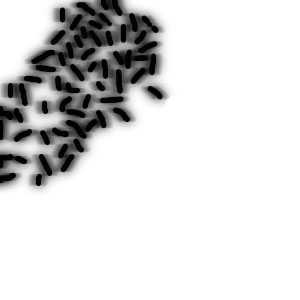
Step 5.
Filter-> Sketch -> Reticulation. Set the density to 45, and foregroun / background
to 0.
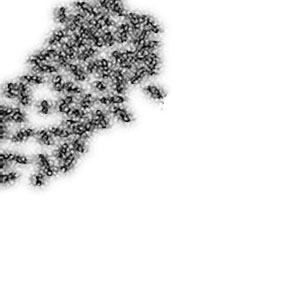
Step 6.
Press Ctrl+u to colorize the picture. Make sure the colorize button is selected and set the color to 90 / 100 / 0.
Step 7.
Select the background layer and change the color to black to get the best color effect.
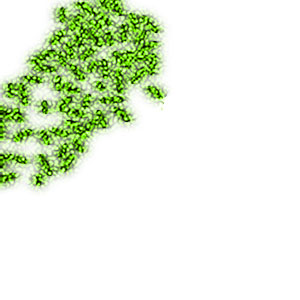
Here is my finished example.