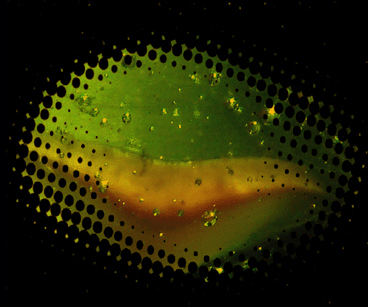
Where i live, (in belgium), pepsi light and coca cola integrate the following photoshop technique in their plastic bottle covers. i call them lichtenstein dots because the remind me about the famous popart artist..
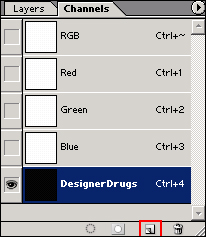
1. create a new document (ctrl+n), and go to the channels palette, it should be the tab next to the layers palette. hit the create new channel button (the red rectangle on screenshot) and give it a name or just leave it as alpha 1
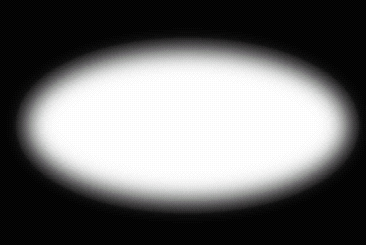
2. select the rectangle or elliptical marquee tool and draw a shape, fill it with a white color and deselect. Next up is filter > blur > gaussian blur, i used a radius of 10 pixels, but nobody's stopping you from going higher or lower
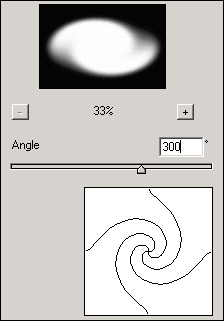
3. filter > distort > twirl (chose an angle that goes with your shape)
4. filter > pixelate > color halftone (chose a max radius that goes with your shape)
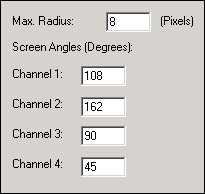
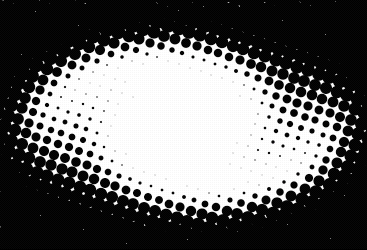
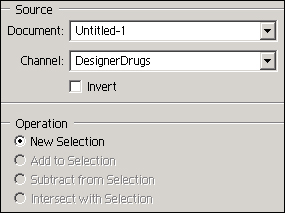
5. return to the layers palette and create a new layer (shift+ctrl+n). go to select > laod selection and select your channel
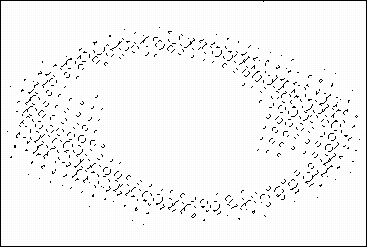
6. select the paint bucket tool (g) and fill it with your favorite color, select the background layer and give it a nice color
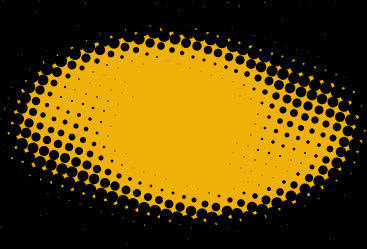
you can use your dots for whatever you want, here's a quick example: