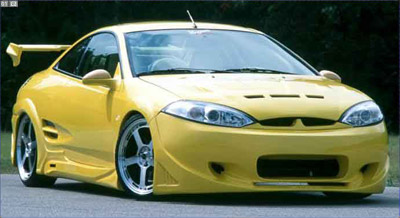
First open the image you wish to cell shade. i will be using this car.
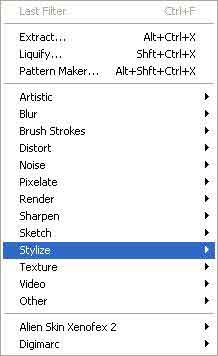
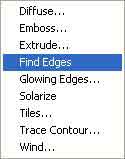
Now go to Filter>Stylize>Find Edges
and your image should now look like this,
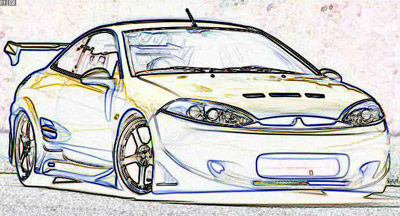
now you must press ctrl+shift+F.
If you do anything before pressing these keys you will have to start the tutorial again.
If done correctly you will get the fade box.
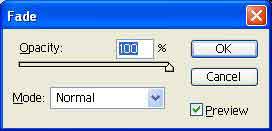
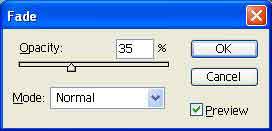
Set it down to 35% (usually works, you will be able to judge as you move the slider)
and you should now have you cell shaded car.
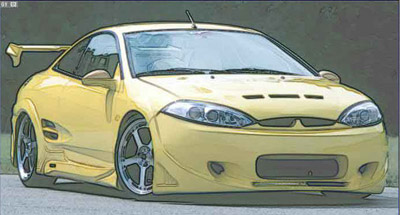
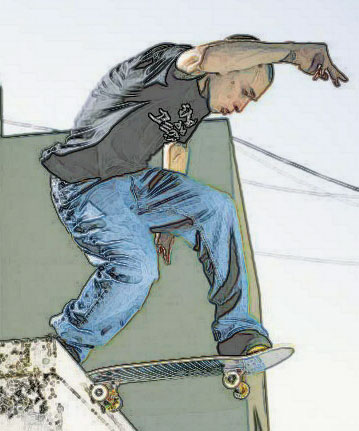
This tutorial works best on cars but as you can see can also give a good effect on other images.