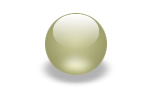
In this tutorial I will show you how to make shadows like the one I have on my blue orbs in my header.
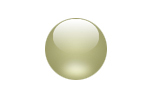
1. First you have to make the object you ant to add the shadow to. I am going to use an orb in this example. You can start with a simple circle like the one below (70 x 70)
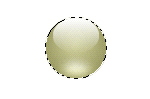
2. Now select the object, Ctrl+click on the layer where the object are and create a new layer. Fill the selection with black.
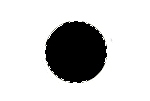
3. Go to Filter > Blur Gaussian Blur and set the radius to about 4 pixel.
4. Now go to Edit > Free Transform and move the top, middle handle down.

5. In the last step, move the layer behind the orb and lower the opacity to 30%. Use the arrow keys to move the shadow 2 pixel down.