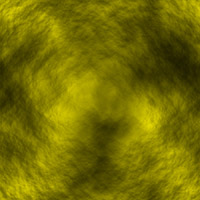
1. Create a new 500x500 pixel document with a resolution of 100 and name it Rock. Now press D and then apply a clouds filter. (All preview images in this tutorial were shrunk from 500x500 to 165x165 pixels).
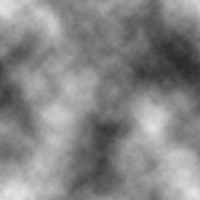
2. Now apply lighting effects with THESE SETTINGS. (The only setting you might want to play around with is 'Intensity', because depending on the appearance of the cloud filter it might need ot be changed).
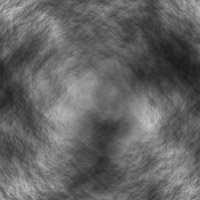
3. Now you
can add color to the image by, creating a new
layer and filling it with a color of your choice. Then set that layers
blending
mode to color.
This tutorial can be altered in many ways, settings can be changed to give many outcomes. So go ahead, be creative!