


In this example we will change the color of a model's dress in the picture below. Try it with one of your own pictures.
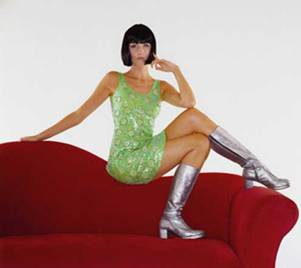
With your picture open in Photoshop, use the Rectangular Marquee Tool and outline your selection.
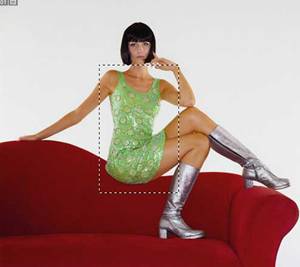
On your toolbar choose Select > Color Range and select the Image radio button. Use the Eyedropper Tool to click on the color you want to change and then click OK.
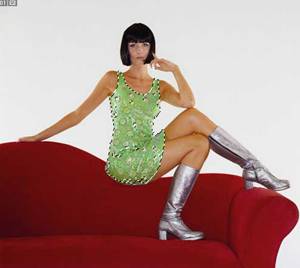
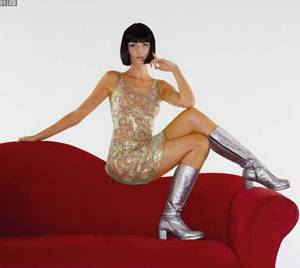
Next, choose Image > Adjustments > Replace Color . Use the Eyedropper Tool to select the color you want to change. In this can we have chosen the green dress and have simply moved the Hue to -70. You can modify the Hue , Saturation, and Lightness until you reach your desired results. Click OK and then hold down both the Ctrl button and the letter D to deselect the image.
 Cal Hyslop has a background in business and technology with a Masters in Business Administration and is an owner of a website design firm located in Houston, Texas. The mission of his company,