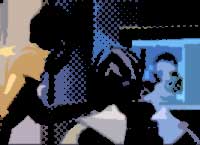
Use several filters to gorey hands.
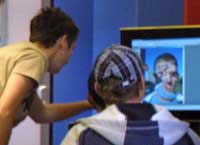 |
1. Open the image for editing. |
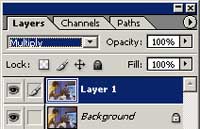 |
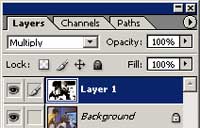
2. Duplicate the current layer (Ctrl+J) and change the blending mode of the new layer to Multiply. |
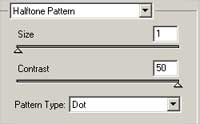 |
3. With the new layer selected, apply a Halftone Pattern filter (Filter> Sketch> Halftone Pattern) with the following properties:
Size: 1
|
 |
4. Invert (Ctrl+I) the current layer. |
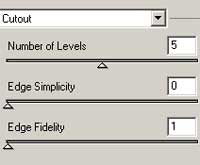 |
5. Select the layer Background and apply a Cutout filter (Filter> Artistic> Cutout) with the following properties:
Number of Levels: 5
|
Here is the final result: