


Imitate the effects of a thermal image taken with a thermal camera.
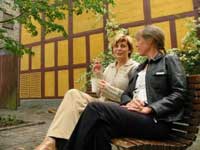 |
1. Open the image for editing. |
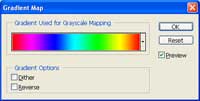 |
2. Add a new Gradient Map adjustment layer (Layer> New Adjustment Layer> Gradient Map) and select the Spectrum gradient. |
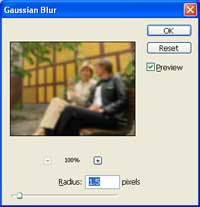 |
3. Select the background layer and add a slight blur using the Gaussian Blur filter (Filter> Blur> Gaussian Blur). |
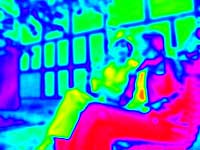 |
4. Here is the result that I got. |
