
A quick and effective technique to make waterfalls larger.
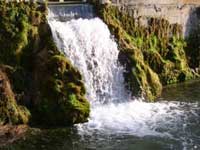 |
1. Open the image for editing. |
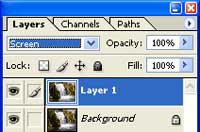 |
2. Duplicate the current layer (Ctrl+J) and set the blending mode of the new layer to Screen. |
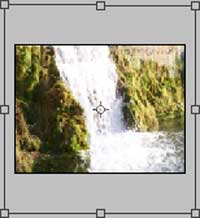 |
3. Use the Free Transform tool (Ctrl+T) to icnrease the size of the layer. |
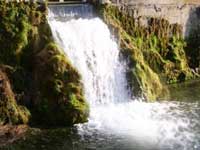 |
4. Use the Eraser tool (E) and erase the area around the waterfall. Rollover the image in this step to see the original image before this Photoshop technique was applied. |
