


Turn a statue into a realistic living object.
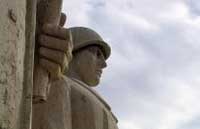 |
1. Open the image for editing. |
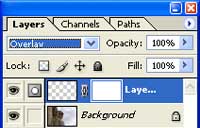 |
2. Create a new layer, change the blending mode of the new layer to Overlay and add a layer mask (Layer> Add Layer Mask> Reveal All). |
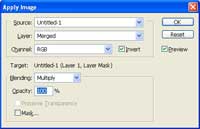 |
3. With the layer mask selected, use the Apply Image tool (Image> Apply Image) to apply the following properties:
Layer: Merged
|
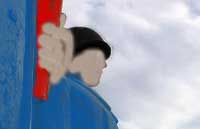 |
4. Paint the new layer using different colours. Here is an image that shows the parts of the image painted. Because the lumosity (greyscale value) of the image already exists, the painting does not have to be accurate. |
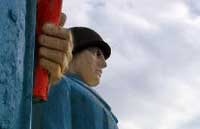 |
5. Rollover the image in this step to see the original image before this technique was applied. |
