


An image formed by a maze pattern. From a distance, you will see a greyscale photo. Up close, you will see a maze.
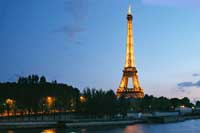 |
1. Open the image for editing. |
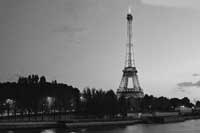 |
2. Desaturate (Ctrl+Shift+D). |
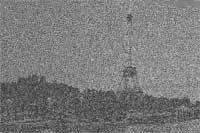 |
3. Apply a "Sharpen More" filter (Filter> Sharpen> Sharpen More). Press Ctrl+F repeatedly until all areas in the image turns into a maze pattern. |
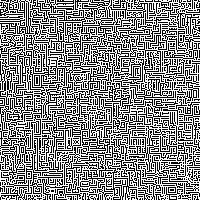 |
4. Here is a close-up of the result. |
