

| Introduction Using motion blur with special images. |
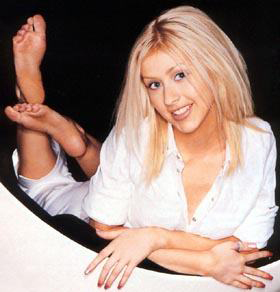
| Step 1 Open a picture any picture, I used the one below of Christina Aguilera. First off you will need to check if the image mode is set to RGB. Go to Image » Mode » RGB. You've done that good. |
 |
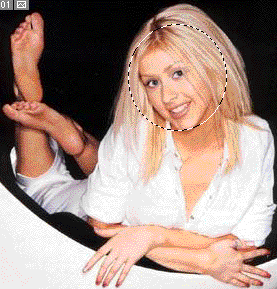
| Step 2 Now copy a part of the face, like the selection shown on the bottom picture, and hold CTRL + C, or Edit » Copy. This will then copy that selection. Make a new layer then hold CTRL + V, or Edit » Paste. Once you've done that you should have a normal picture but the face is seperate. |
 |
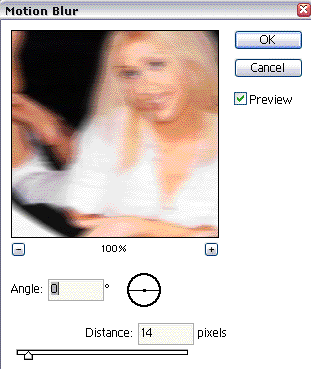
| Step 3 Go back to your old layer, the main one, then Go to Filer » Blur » Motion Blur, use these settings:
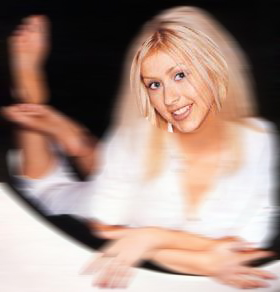
Looks pretty good no? It looks like Christina's face is there, but her body is moving. |
|
