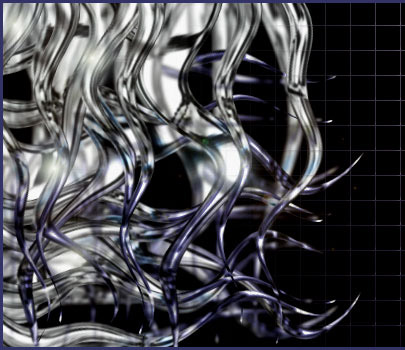
I want to show you how to create this effect with Photoshop. This picture is only one example, so don't be lazy: make it and then experiment. :)
1. Create new document (I used 400*400 px, RGB, 72 dpi ). Add a new transparent layer.
Double click on it to open the Layer Style window. We will create a custom layer style (so you can easily use it later).
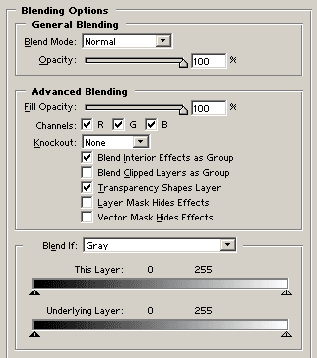
Use default Blending Options.
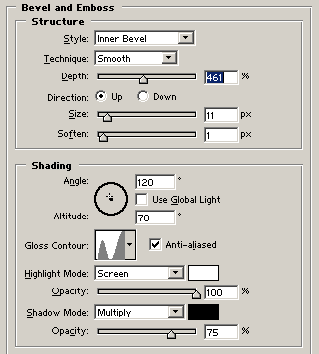
2. Apply Bevel and Emboss with my settings.
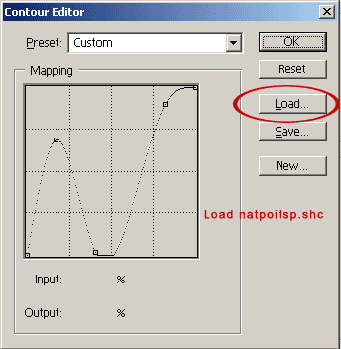
3. Click on the Gloss Contour window to open Contour Editor. Load my contour. Ok.