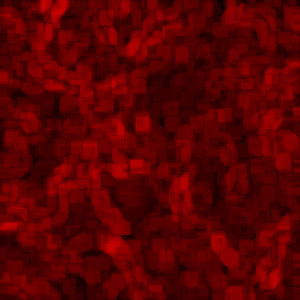
Start off by creating a new layer 300x300, then press D to reset the colours. Create a new layer and follow these pointers:
1. Filter > Render > Clouds
2. Filter > Stylize > Find Edges
3. Press Control+I to invert colours
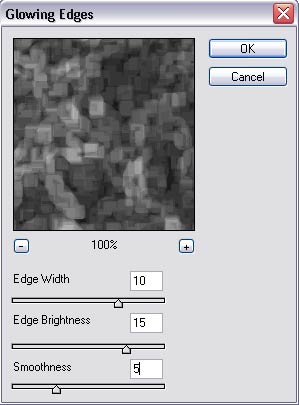
4. Filter > Stylize > Glowing Edges
Play around with the settings to get your desired effect, I used these settings:
Then you should finish up with something like this:
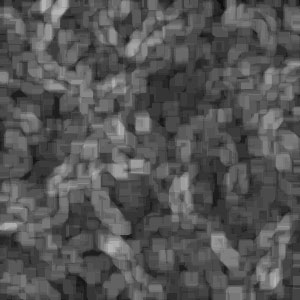
Just play around with the settings and create different effects. Try colouring them by pressing Control+U then adjust the levels.