

Melted chocolate swirling to form tiles.
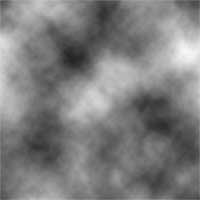 |
1. Create a new document and add a Clouds filter (Filter> Render> Clouds). |
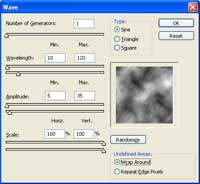 |
2. Distort the image using the Wave filter (Filter> Distort> Wave) with these settings:
Number of Generators: 1
|
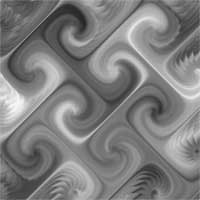 |
3. Repeat the previous filter (Ctrl+F) about 10 times. |
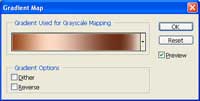 |
4. Add a new Gradient Map adjustment layer (Layer> New Adjustment Layer> Gradient Map). Use the copper gradient. |
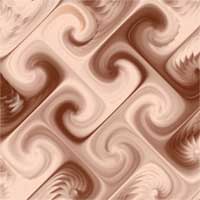 |
5.Here is the result that I got. |
