

An optical illusion with solid white dots that seems to blink.
 |
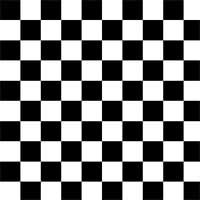
1. Create a new 100x100 pixels document and create a checkerboard pattern. |
 |
2. Define the image as a pattern (Edit> Define Pattern). |
 |
3. Create a new 500x500 pixels document and fill the layer with the pattern. To do this, select the Gradient Fill tool, change the fill mode from Foreground to Pattern and click on the stage. |
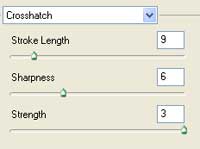 |
4. Add a Crosshatch filter (Filter> Brush Strokes> Crosshatch). |
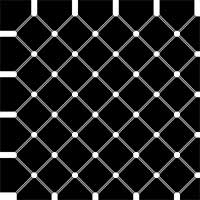 |
5. Repeat the previous filter (Ctrl+F) five times. |
 |
6. Rotate the canvas (Image> Rotate Canvas> Arbitrary) 45º CCW. |
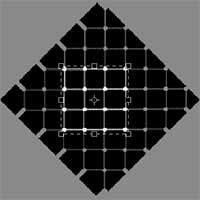 |
7. Crop a section of the image. |
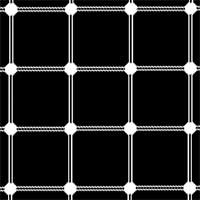 |
8. Here is the result that I got. If you look at the image, the dots appear to be blinking but they really aren't. |
