An abstract formed by lines pointing towards the distance.
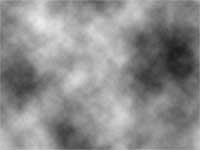 |
1. Create a new 640x480 pixels document. Add a Clouds filter (Filter> Render> Clouds). |
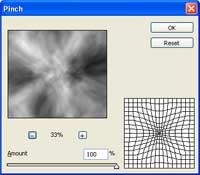 |
2. Pinch the layer by using the Pinch filter (Filter> Distort> Pinch). |
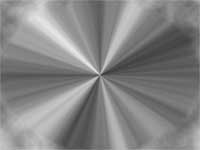 |
3. Repeat the last filter (Ctrl+F) several times. |
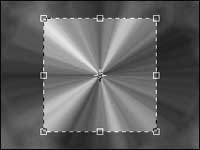 |
4. Crop the center of the image. |
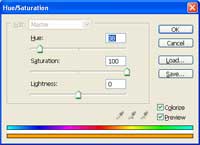 |
5. Change the color by using the Hue/Saturation tool (Ctrl+U). |
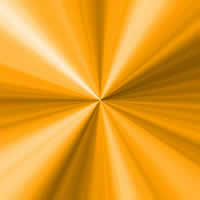 |
6. Here is the result that I got. |
