


Learn how to brighten images without overexposing bright areas using a pen tablet.
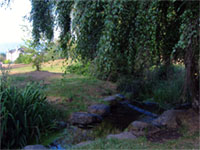 |
1. Open the image for editing. |
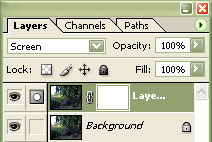 |
2. Duplicate the current layer (Ctrl+J) and add a layer mask (Layer> Add Layer Mask> Reveal All). |
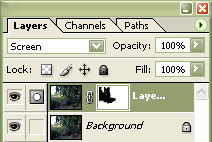 |
3. With the layer mask selected, use the "Eraser" tool (E) to erase areas that are overexposed. If you are using a pen tablet, click the "Enable Airbush Capabilities" button and select a thick brush. The harder you press with your pen, the thicker the line will be. |
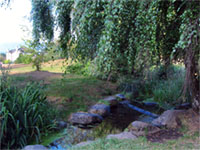 |
4. Rollover the image on the left of this step to see the original image before this technique was applied. |
