


Create a highly detailed rococo rug with the corners folded.
 |
1. Create a new 640x480 pixels document. Add a new layer (Ctrl+Shift+N), use the "Rectangular Marquee" tool (M) to make a selection of a square. Fill the selection with black. |
 |
2. Select the canvas (Ctrl+A) and position the box in the middle (Layer> Align to Selection> Vertical Center, Layer> Align to Selection> Horizontal Center) |
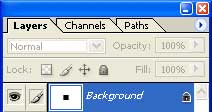 |
3. Merge the layer down (Ctrl+E). |
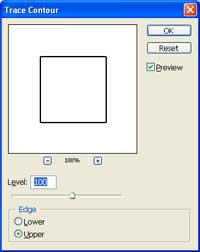 |
4. Apply a "Trace Contour" filter (Image> Stylize> Trace Contour) with the following properties:
Level: 100
Click OK. |
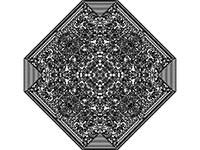 |
5. Press Ctrl+F to repeatedly to repeat the filter until you get a pattern similar to this. |
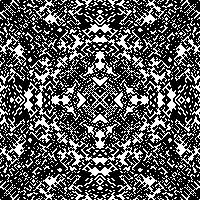 |
6. Here is a cropped area of a high resolution version. |
