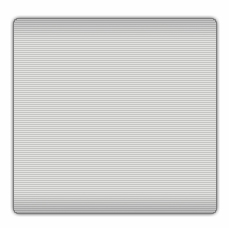
1. In your website to create this new panel, make a selection and then go to select> modify > smooth > enter 3
Fill this selection with light grey.
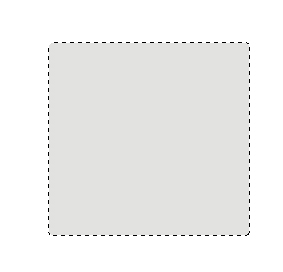
2. Make a colour selection so that you have a light grey and a dark grey like below:

3. Now using the gradient tool  and then fill the selection so that there is a dark rim on the top:
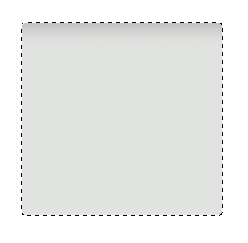
4. Deselect the top portion (hold alt) and do the same effect to the bottom.
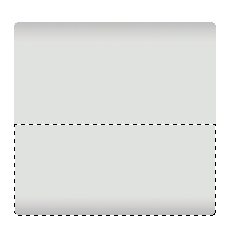
5. Add the follow layer effects:
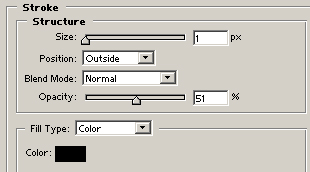
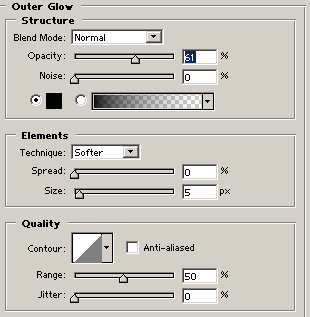
6. Now after adding some lines it should like like this, and your set!