


1) Make a 400x400 document. You can edit>fill the background layer to Dark Grey
2) Add an image, I used a picture of Heidi Klum. Yummm....
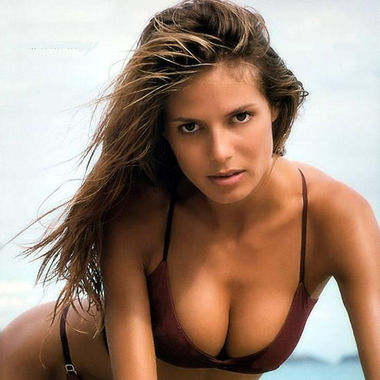
3) Now, right click the layer, and duplicate the layer. Then do a render>difference clouds then press ctrl+f to do this again. Preceed to change the layer's blending mode to overlay then press ctrl+shift+U to desaturate the layer, and make it greyscale. Heidi should now look like:
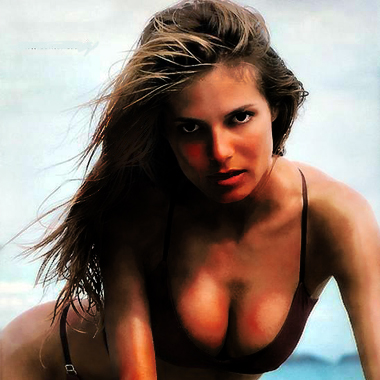
4) Now Duplicate the layer you added the clouds to, and press ctrl+i to inverse the colours. Now on the new layer, do a filter>add noise> 4% in Guasian Monochromatic.
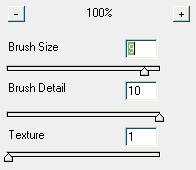
5) Now to the top layer add: filter>artistic>dry brush with these settings:
6) Add a filter>brush strokes> dark strokes with these settings:
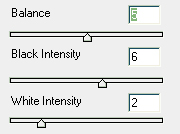
This should return something like this.
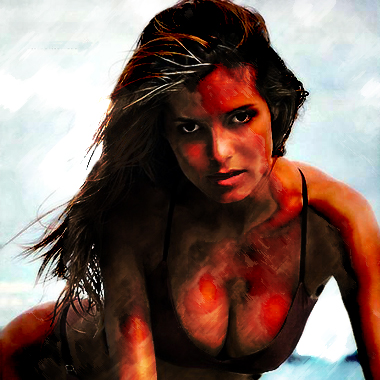
Enjoy! Tell your Friends!
