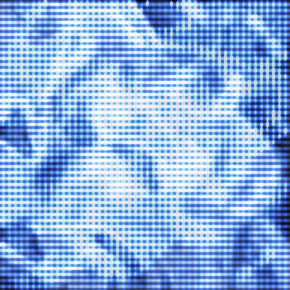
1) Make a new document, anysize doesn't matter. I used 290x290.
2) Go to Filter>Render>Clouds
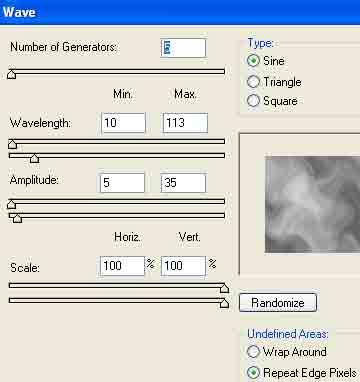
3) Apply Filter>Distort>Wave with these settings:
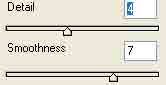
4) Apply Filter>Sketch>Chrome with these settings:
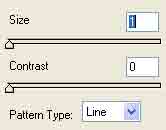
5) Now add Filter>Sketch>Half Tone Pattern with these settings:
6) Press CNTRL+U and add your hue colors. I went with a medium dark blue.
7) Right click the layer, go to Duplicate. Now go to Edit>Transform>Rotate 90 degrees.
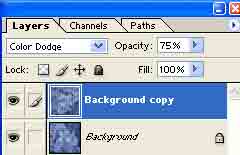
8) Now change the blending mode to Color Dodge and set the opacity to 75%:
Voila!