1) Make a new document, anysize doesn't matter. Press CNTRL+D to reset your pallete colors. Set your background to White or any color that suits you best.
2) Open up your graphic you wish to turn into a ball. It is best to use a filter effect, for example I used the typhoon effect for this ball.
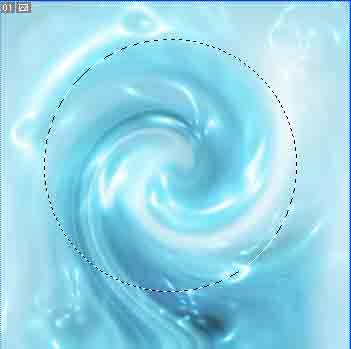
3) Select the Eliptical Marque Tool and hold shift to make a perfect round selection like below:
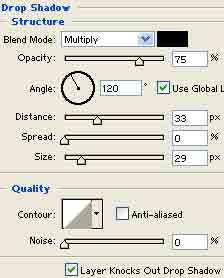
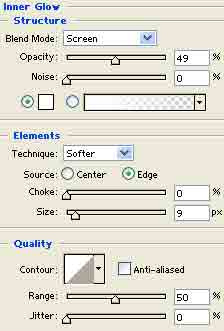
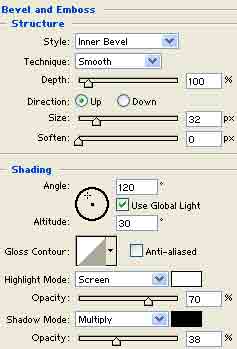
4) Right click the layer and set these blending options:
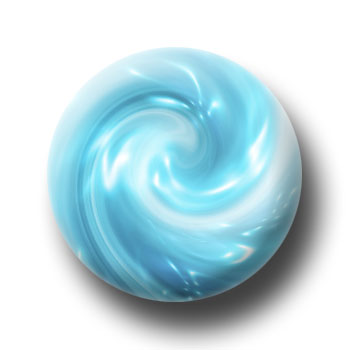
5) There ya go, cant get any more simpler then this: