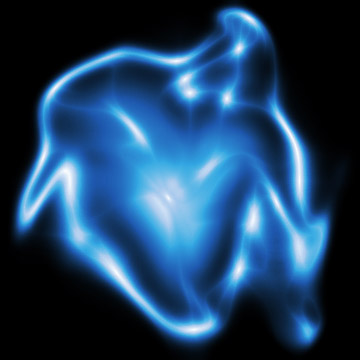
1) Make a new document, anysize doesn't matter. Press CNTRL+D to reset your pallete colors. Set your background to BLACK.
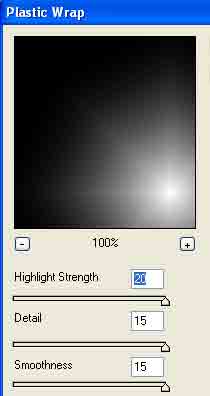
2) Apply Filter>Artistic>Plastic Wrap with these settings:
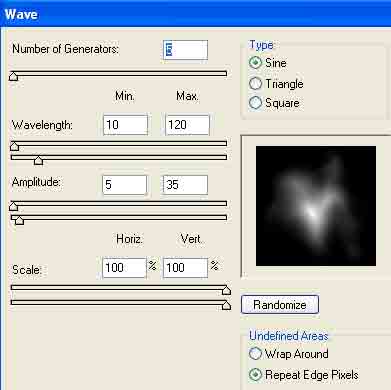
3) Apply Filter>Distort>Wave with these settings:
4) Apply the Plastic Wrap filter again. This will make it look more like plasma.
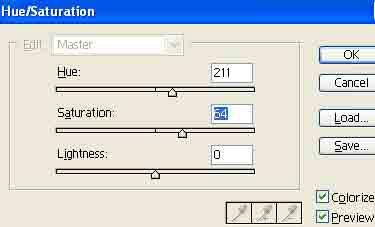
5) Press CNTRL+U at the same time to edit the color. Use the settings below or adjust to color of choice:
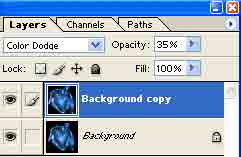
6) Duplicate the layer. Do this by right clicking the layer and going to Duplicate. Now change the blending change to Color Dodge and set the opacity from 30-40%:
Voila: