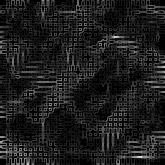
1. Create a new 165x165 pixel document with a resolution of 100 and name it Techno. Now add a clouds filter.
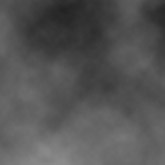
2. Now apply a mosiac filter with settings [Cell Size: 5]. Next, find edges. From here you can make 3 different appearances. Step 3, 4 and 5 will show the different steps.
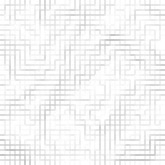
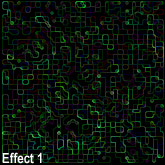
3. For this effect you must you glow the edges with settings [Edge Width: 1, Edge Brightness: 9, Smoothness: 5].
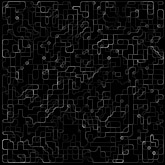
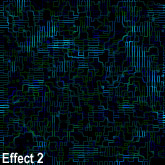
4. For this effect you continue from step 2, skip step 3. Now glow the edges with settings [Edge Width: 1, Edge Brightness: 9, Smoothness: 6].
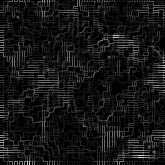
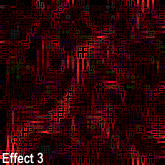
5. For this effect you continue from step 2, skip step 3 and 4. Now glow the edges with settings [Edge Width: 1, Edge Brightness: 9, Smoothness: 6]. There are many neat effects you can do with these. You can add color. Or when adding a cloud filter, don't make it black and white, use other colors to get neat effects (shown below).