Her
Home
Photoshop Tutorials
Text Effects
Marble Text
Marble Text
Author: MickM.com
Author's URL:
www.mickm.com
More by this author
Added:
Apr 25, 2005
Rating:
Level:
Experienced
Software: Photoshop
Create Stoney Marble Text
Open up a new document and place your text in it;
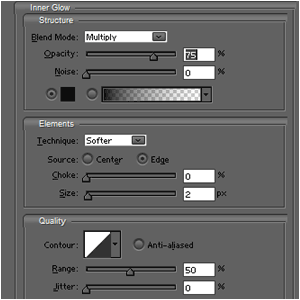
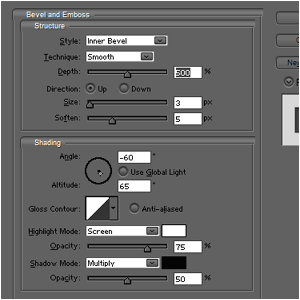
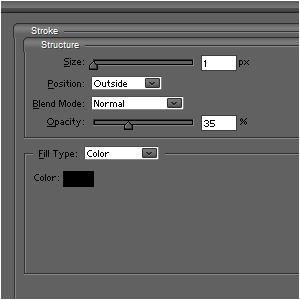
Add these layer-styles to the Text;
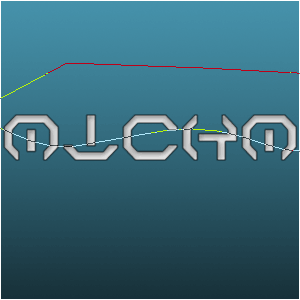
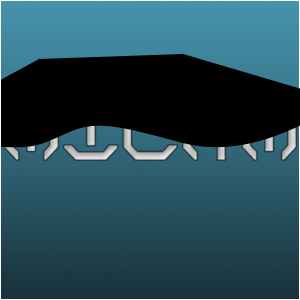
Use the pen-tool to create a wave-shape;
Fill it with black;
Lower the opacity to 30-50;
Place a layer underneath the text and merge those 2 together;
Then, press CTRL+G on the black shadow;
Goto FILTER>NOISE>ADD NOISE and add some noise on the text-layer;
Merge both layers together and duplicate it, then flip it vertically;
Lower the opactity to 20-40;
You can also add a layer-mask if you want to, but it's not needed...










 Level: Experienced Software:
Photoshop
Level: Experienced Software:
Photoshop 