Her
Home
Photoshop Tutorials
Photo Editing
Bring back the dead
Bring back the dead
Author: MickM.com
Author's URL:
www.mickm.com
More by this author
Added:
Apr 25, 2005
Rating:
Level:
Beginner
Software: Photoshop
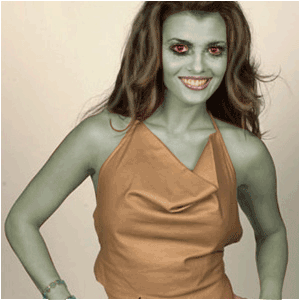
Aaaaaah, It's a Zombie
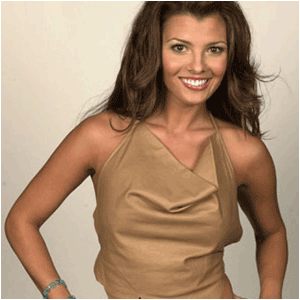
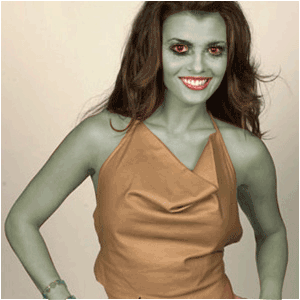
Open up a picture of a living person;
I used the sweet Ali Laundry;
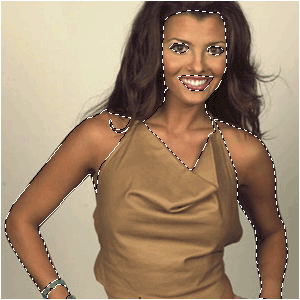
Select ALL the visible skin;
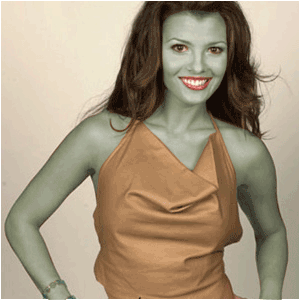
Press CTRL+U and make it look grey-green;
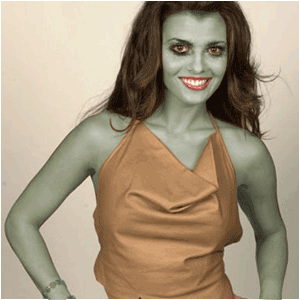
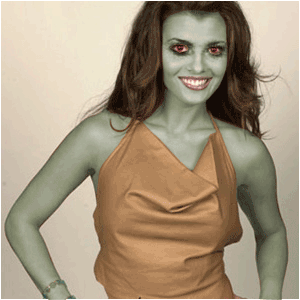
Select the burntool and choose a grungey-brush and draw darkness around the eyes;
Select the eyes and make them fire-red;
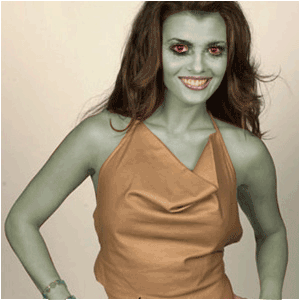
Select the lips and make them deadly greyish;
Select the teeth and make them dirty yellow;
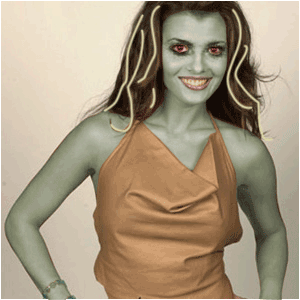
Draw some yellow highlights in the hair;
Blur it a little bit, then set the blending-mode to "Lighten" and the opacity to 50%;
 Level: Beginner Software:
Photoshop
Level: Beginner Software:
Photoshop 