Her
Home
Photoshop Tutorials
Special Effects
Random Swirl
Random Swirl
Author: MickM.com
Author's URL:
www.mickm.com
More by this author
Added:
Apr 25, 2005
Rating:
Level:
Beginner
Software: Photoshop
Make one of those nice effects...
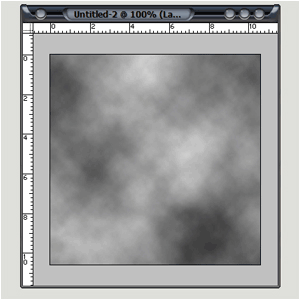
Open up a new image any size and press D and Filter>Render>Clouds
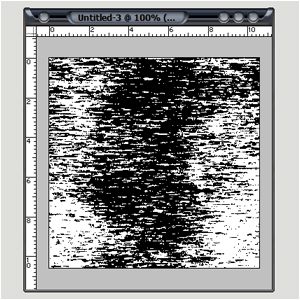
Press Filter>Pixelate>Mezzotint and choose short strokes;
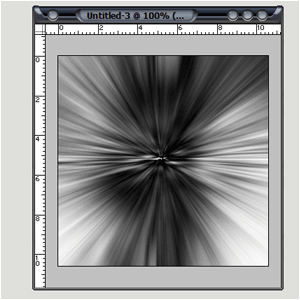
Filter>Blur>Radial Blur, Zoom, best, 100
2
times;
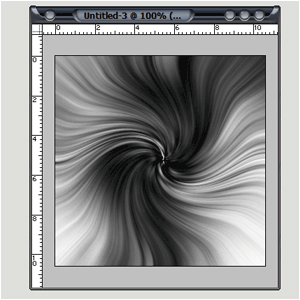
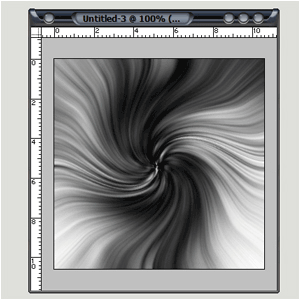
Add Filter>Disort>Twirl, 100;
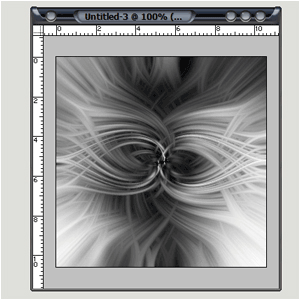
Duplicate the layer and flip it horizontal;
Set the blending mode to "lighten";
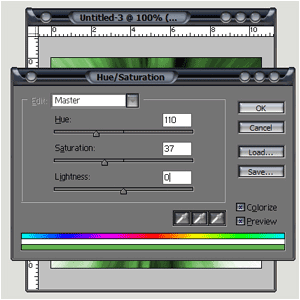
Press Ctrl+E and Ctrl+U and play around with the settings;
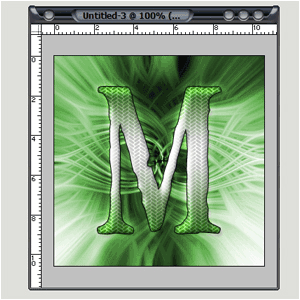
And then you can add anything you like...


 Level: Beginner Software:
Photoshop
Level: Beginner Software:
Photoshop 