Her
Home
Photoshop Tutorials
Text Effects
Create Cool Neon Text
Create Cool Neon Text
Author: MickM.com
Author's URL:
www.mickm.com
More by this author
Added:
Apr 22, 2005
Rating: Less than 3 votes yet
Level:
Beginner
Software: Photoshop
Add neon to your text!
Open a new document, no matter what size or background-color and add your disired text;
Copy the text, and goto Filter>Blur>Gaussian Blur and add a blur of 2,2;
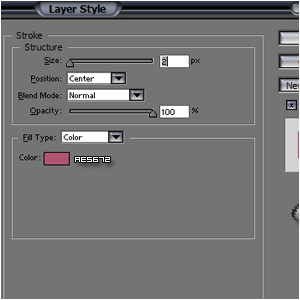
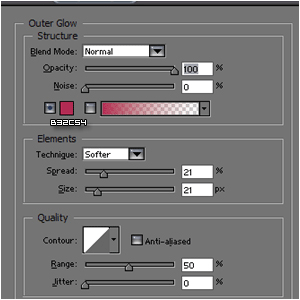
Add these effects to the top-layer:
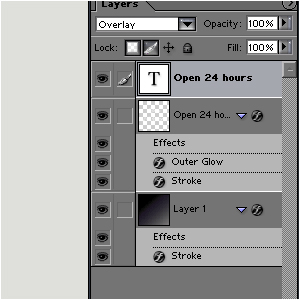
Move the lowest text-layer to the top and set it to "overlay";
Now, your text should look a bit like mine: