Her
Home
Photoshop Tutorials
Photo Editing
Burned Pictures
Burned Pictures
Author: MickM.com
Author's URL:
www.mickm.com
More by this author
Added:
Apr 22, 2005
Rating:
Level:
Experienced
Software: Photoshop
Style up your pictures!
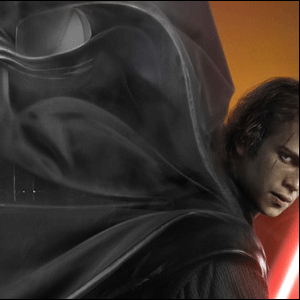
Open up a picture where you want to practice the effect on:
I used the Teaser Poster from STARWARS;
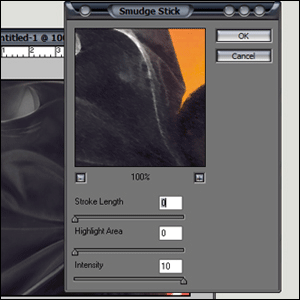
Duplicate the layer and add a FILTER>ARTISTIC>SMUDGE STICK;
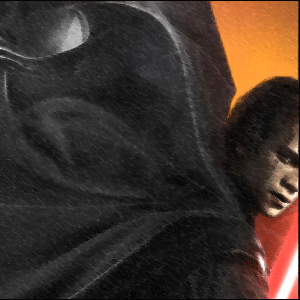
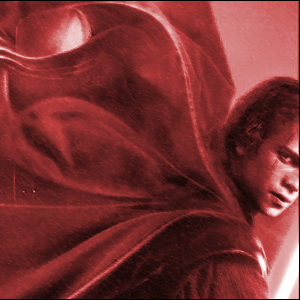
Your picture should look like this;
Duplicate the layer and set the top-layer to Screen;
Press CTRL+E and after that CTRL+U and make the picture totally red like below;
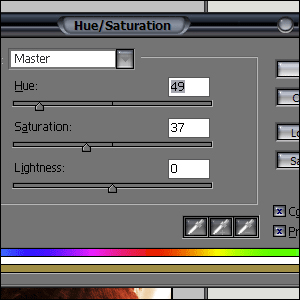
Duplicate the layer and press CTRL+U again and add these options;
Set the blending-mode to overlay and press CTRL+E;
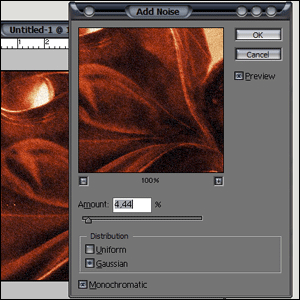
Goto FILTER>NOISE>ADD NOISE and use these options;
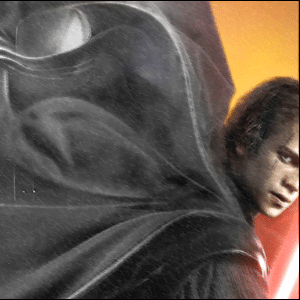
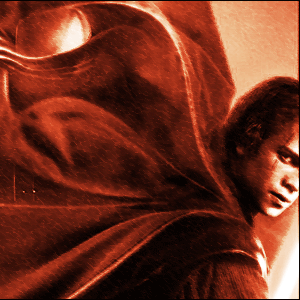
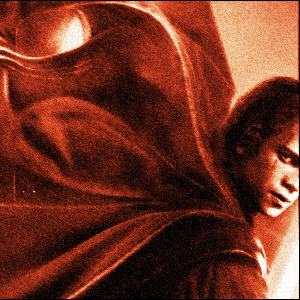
And your picture should look like this one below;

 Level: Experienced Software:
Photoshop
Level: Experienced Software:
Photoshop 