Her
Home
Photoshop Tutorials
Drawing Techniques
Realistic-looking Water Reflection
Realistic-looking Water Reflection
Author: MickM.com
Author's URL:
www.mickm.com
More by this author
Added:
Apr 22, 2005
Rating: Less than 3 votes yet
Level:
Experienced
Software: Photoshop
Add realism by adding a reflection.
Get a picture of a random someone with A TOTAL-BODYSHOT;
Duplicate the image and place it, vertically flipped, UNDER the image;
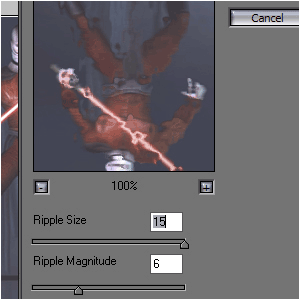
Goto FILTER>DISORT>OCEAN RIPPLE and set it to these options;
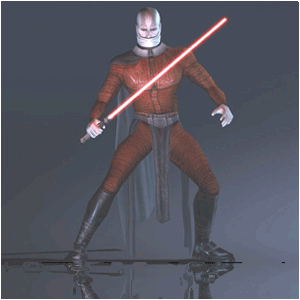
Now it should look like this;
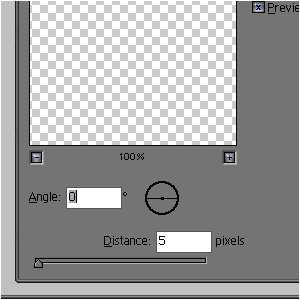
Goto FILTER>BLUR>MOTION BLUR and set it to these options; (The adjustments depend on the image-size)
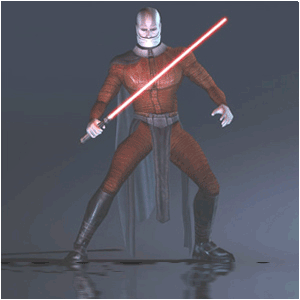
And you can also add some perspective if you want...
I didn't do it.