Her
Home
Photoshop Tutorials
Drawing Techniques
3d Tentacles
3d Tentacles
Author: MickM.com
Author's URL:
www.mickm.com
More by this author
Added:
Apr 26, 2005
Rating:
Level:
Experienced
Software: Photoshop
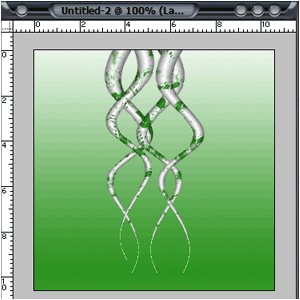
Follow these guidelines to get spooky tentacles.
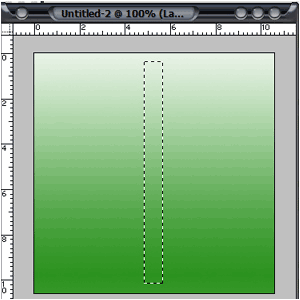
Create a new image any size with a gradient background.(This can also be just one color)
Grab the "Retanguler Marquee Tool" and make a selection kinda like mine:
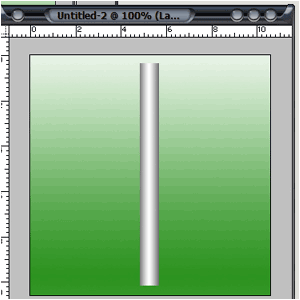
Fill it with a gradient;
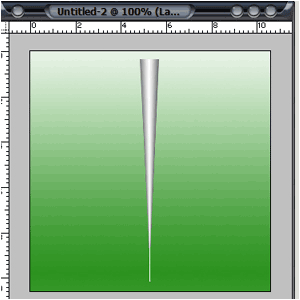
Click Edit>Transform>Perspective and make the gradient look like this:
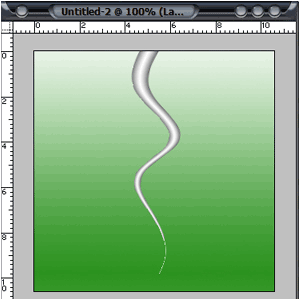
Click Filter>Disort>Shear and play around with the settings;
Play around with making more tentacles and maybe add some splatters like me:

 Level: Experienced Software:
Photoshop
Level: Experienced Software:
Photoshop 