1. Begin with a new file, size and color doesn't matter. ( I choose #2B1D0C as my background color ) Now take the Text Tool and type in your text with white #FFFFFF.

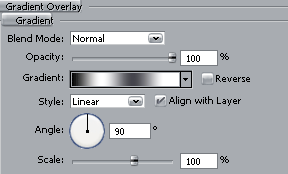
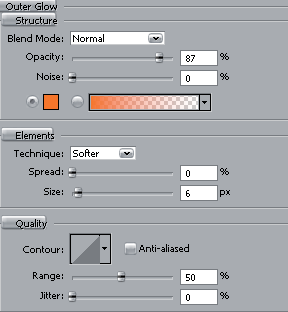
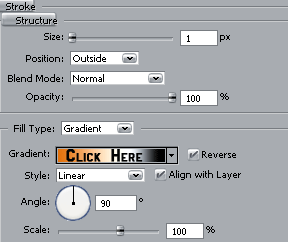
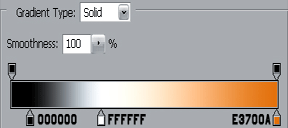
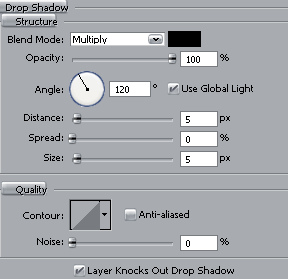
2. Then right click on your text layer in the layers palette, choose Blending Options and then apply this settings.
That's it you are done! This is what I came up with.

