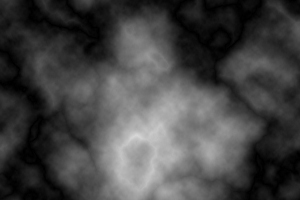
1. Begin with a new file, 500x500, with a transparent background. Then make sure you have black as your foreground color and white as your background color. Then go to Filter>Render>Clouds and then go to Filter>Render>Difference Clouds, now press Ctrl+F 4 times. Now should it look something like this
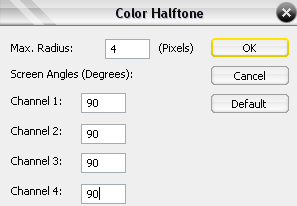
2. Go to Filter>Pixelate>Color Halftone and now a dialog box will appear, look at the image below for the settings. And then go to Filter>Distort>Polar Coordinates and set it to Rectangular to Polar.
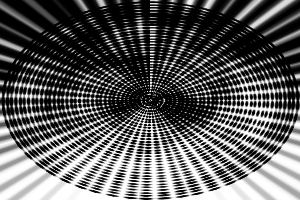
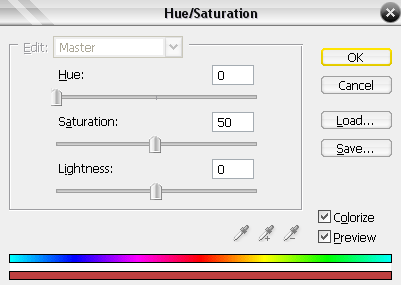
3. Now go to Filter>Blur>Radial Blur and set the Amount to 100, Method Zoom and Quality Good, then press Ctrl+F. Then press Ctrl+U and use this settings.
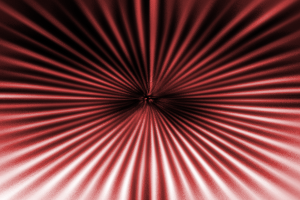
And that's it you are done! This is what I came up with.