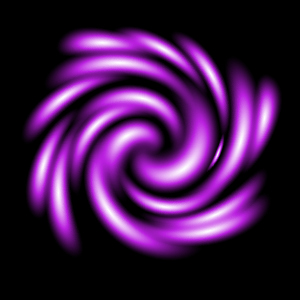
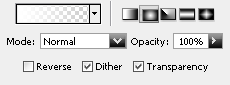
1. Begin with a new file, with a black background, I choose 300x300 but any size will work. Then create a new layer in the layers palette. Now take the Gradient Tool and use this settings.
2. Now draw something like the image below.

3. Go to Filter>Distort>Twirl and apply this settings.
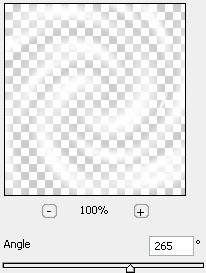
And now should it look something like this.
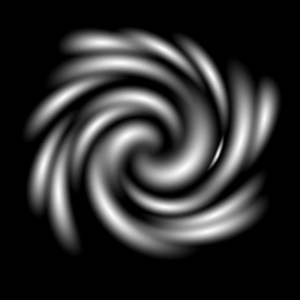
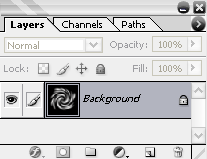
4. Now merge the layers, go to Layer>Merge Layers or press Ctrl+E.
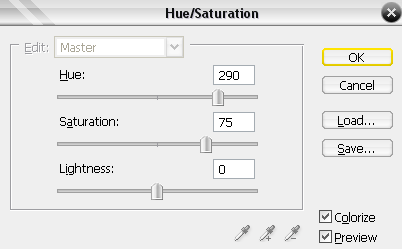
5. Now press Ctrl+U and apply this settings.
And that's it you are done! This is what I came up with.