Her
Home
Photoshop Tutorials
Miscellaneous
Magnifying Lens
Magnifying Lens
Author: MickM.com
Author's URL:
www.mickm.com
More by this author
Added:
May 02, 2005
Rating:
Level:
Experienced
Software: Photoshop
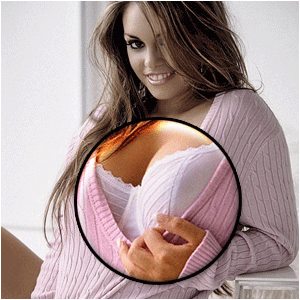
Enlarge something...
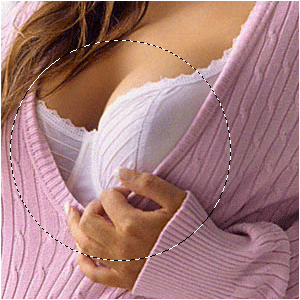
Open up a picture that is bigger then your image-size;
Select a part of it and press CTRL+C and then CTRL+V;
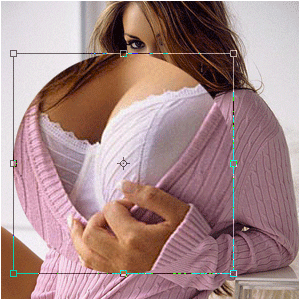
The base-layer you must resize the way it fits the image;
Resize the spare-part too if it's too big;
Place it in position;
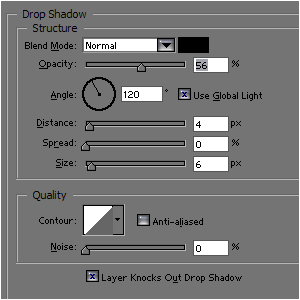
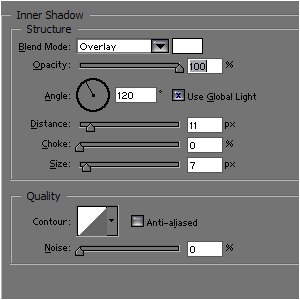
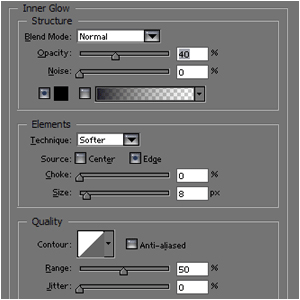
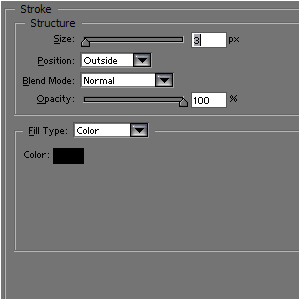
Add these layer-styles;
Maybe lower the saturation of the background-picture for more feeling to it:




 Level: Experienced Software:
Photoshop
Level: Experienced Software:
Photoshop 