Her
Home
Photoshop Tutorials
Drawing Techniques
Making a Lightsaber
Making a Lightsaber
Author: MickM.com
Author's URL:
www.mickm.com
More by this author
Added:
May 02, 2005
Rating:
Level:
Experienced
Software: Photoshop
Use the force with your own Lightsaber!
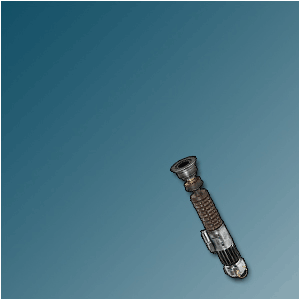
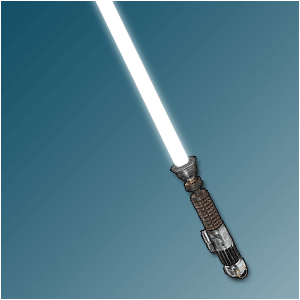
Create a new image with a Saberhilt ready to be turned on; (May I advice MasterReplicas.com)
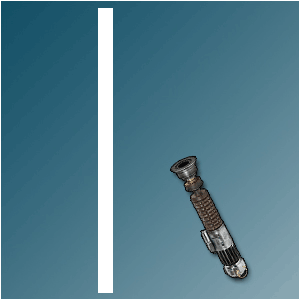
With the "Retangular Marquee-tool" make an object like the one below;
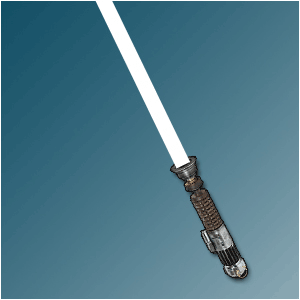
Turn it THAT way, it looks the same as below = Right ON TOP of the hilt;
Make the edges smoother and more round;
Duplicate the layer so that you have 2 saber-layers;
Give the original saber-layer a Gaussian Blur of 2-3 pixels;
And give the upper saber-layer a Gaussian Blur of 1-2 pixels;
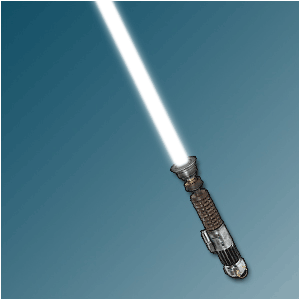
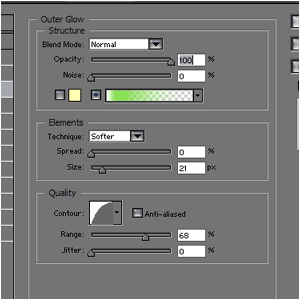
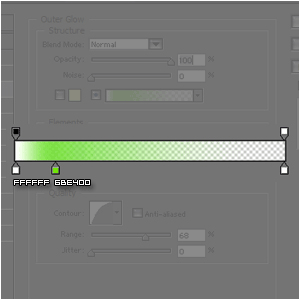
Add these Outer Glows to BOTH saber-layers;
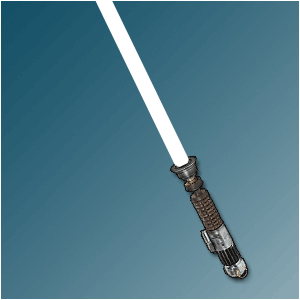
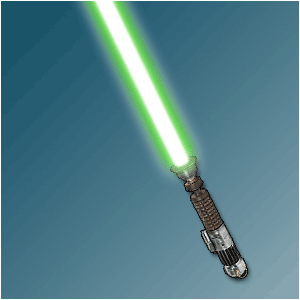
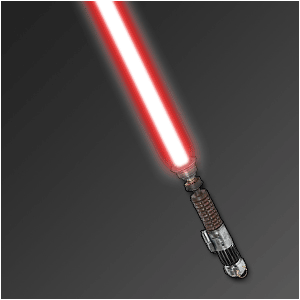
And there you have the weapon of a Jedi-Knight;

 Level: Experienced Software:
Photoshop
Level: Experienced Software:
Photoshop 