1. Create an Egg-shaped orb and fill it with black;

2. Select the Move-Tool and press ALT+[arrow-left] until you have something like this;

3. Cut 2 retangles of of your shape;

Use my Smooth-tutorial, to remove the sharp edges

4. Duplicate the layer, press CTRL+i, so that you have 2 layers;
Now create a shape like this;

5. Use that Smoothning-tutorial again;

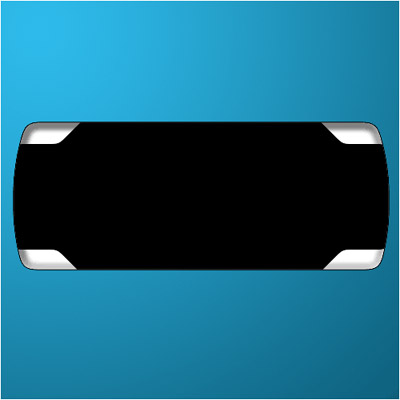
6. Cut that off the BLACK layer and make it look like this;

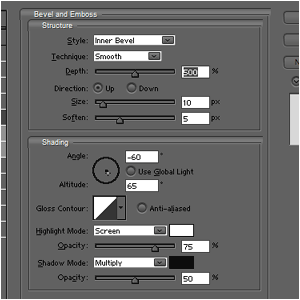
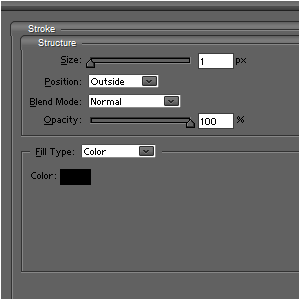
7. Give the white layer these layer-styles;